5081
Playing with the new Pixelmator 2.1 - Giveaway: iPod Touch and 3 Pixelmator
vintage
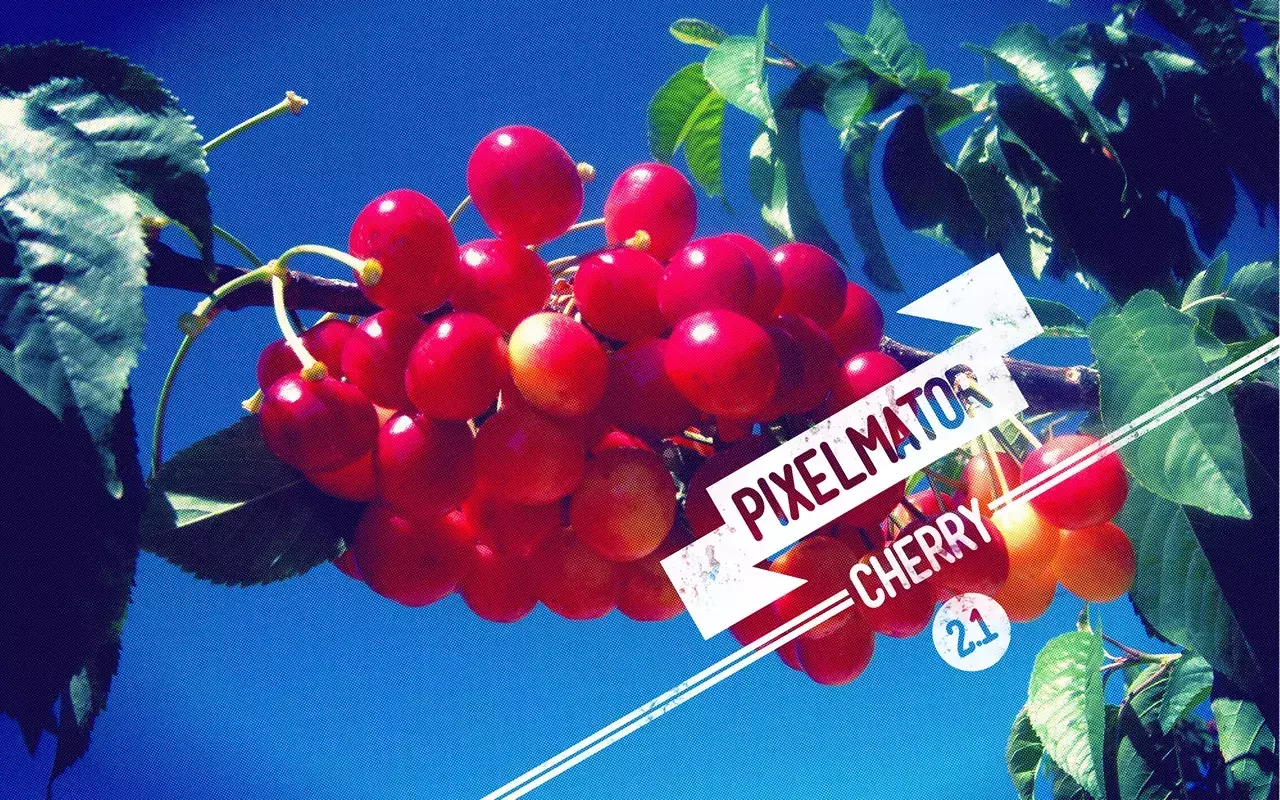
The Pixelmator team has just launched the new version of their really cool photo editing tool called Pixelmator 2.1 Che
5082
Metal Car Logo Effect in Photoshop
tutorial

Last week I discovered a new Web site about chrome logos in cars. I spent hours browsing through that site and it's definitely one of my favorites right now.
5083
Graffiti Stencil Effect in Pixelmator
tutorial
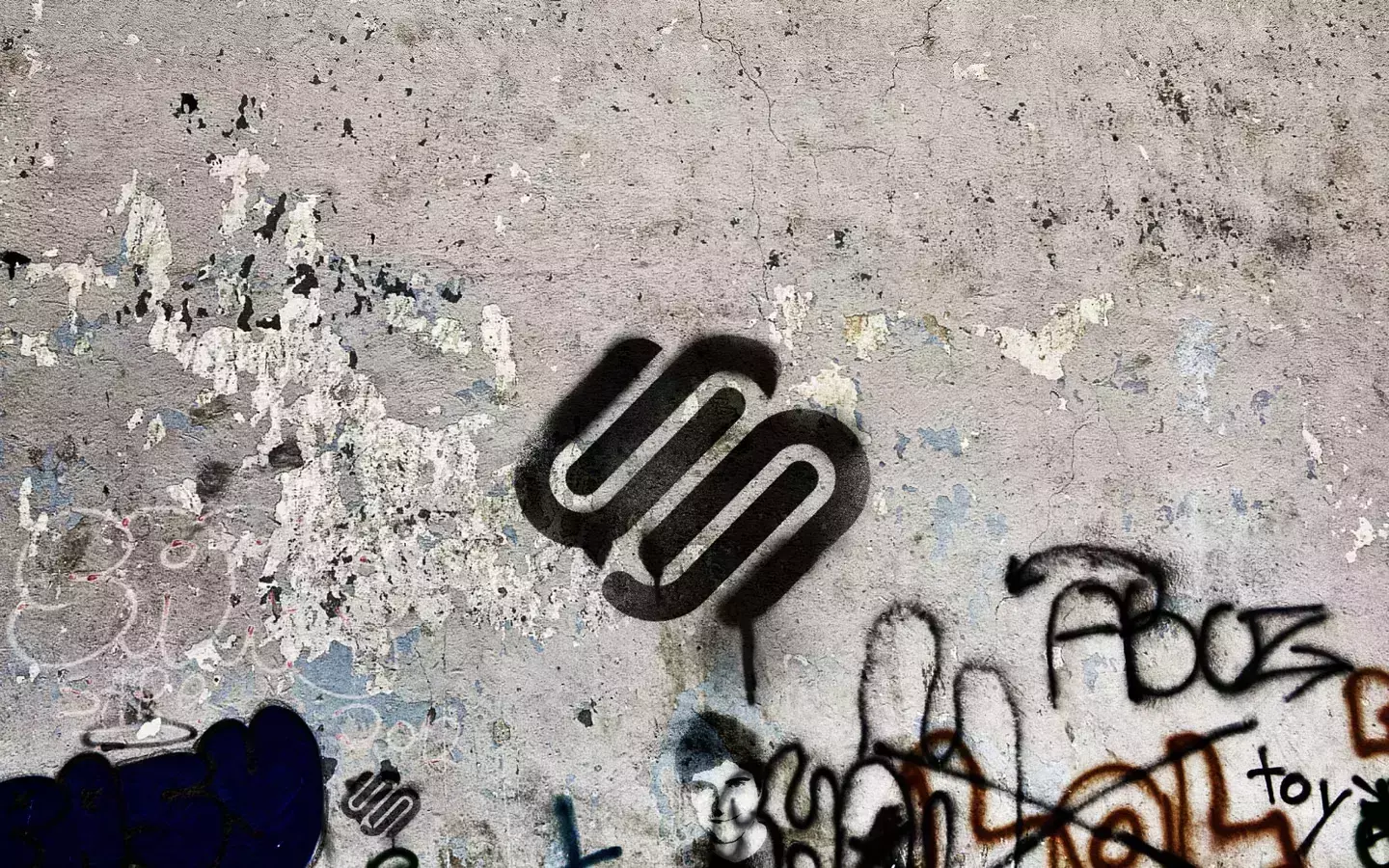
Street art and graffitti will always be part of the counter culture and an important way for artist to express their ideas in the big canvas that is the streets.
5085
The Dark Knight Rises Stencil Effect in Photoshop
tutorial
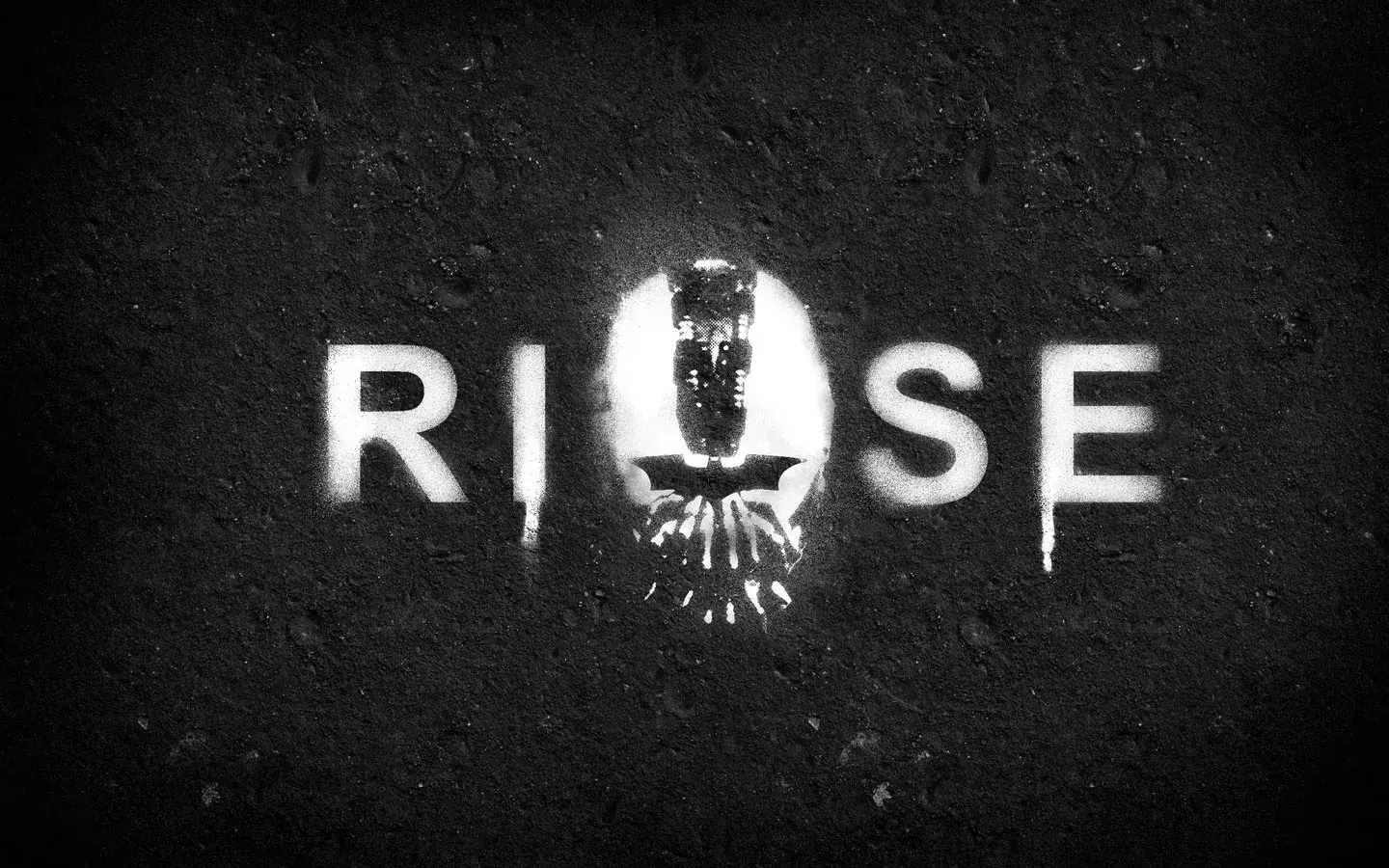
The Dark Knight Rises movie is a couple of weeks away and the amount of posters and viral images promoting the movie is quite amazing.
5086
Easy X-Ray Typography in Photoshop
tutorial
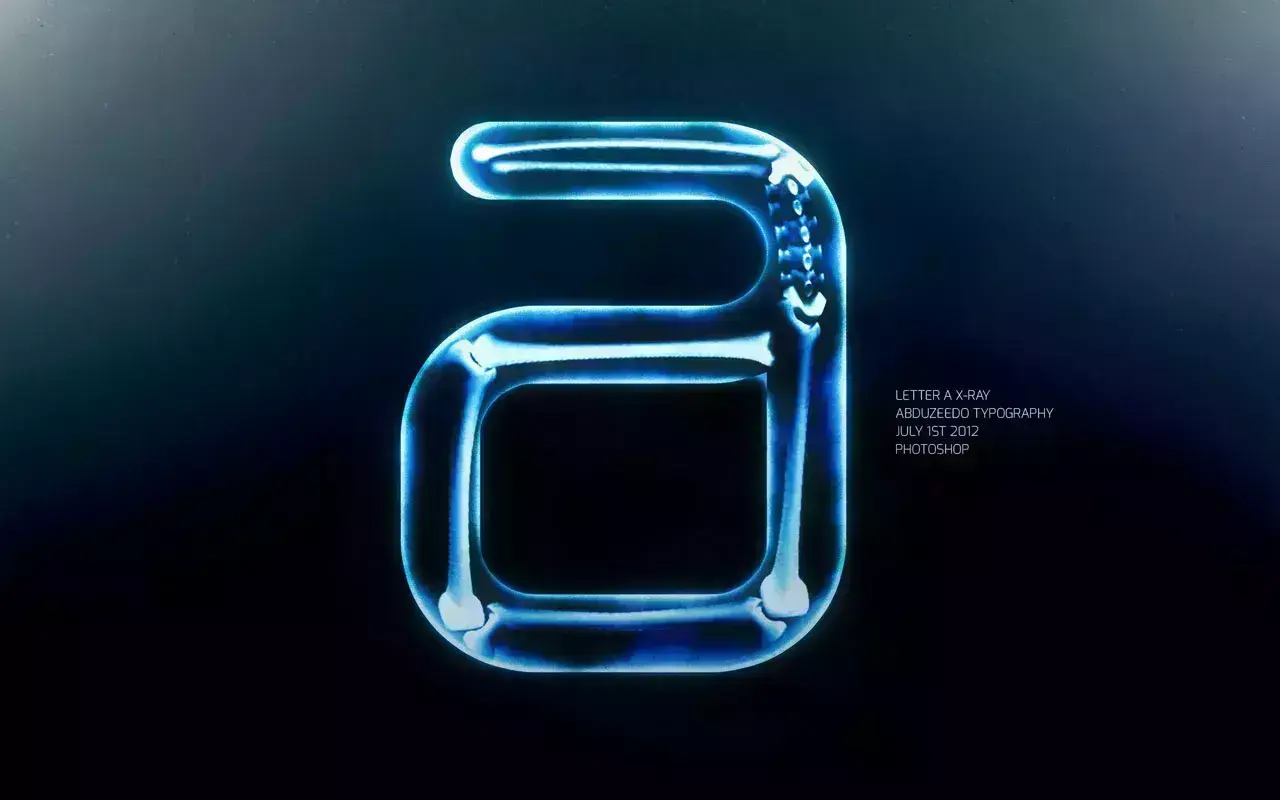
A few years ago I saw an image of Homer Simpson's head in x-ray. I really like that effect and always wanted to try something like that in Photoshop.
5088
Dark Knight in Pixelmator
tutorial
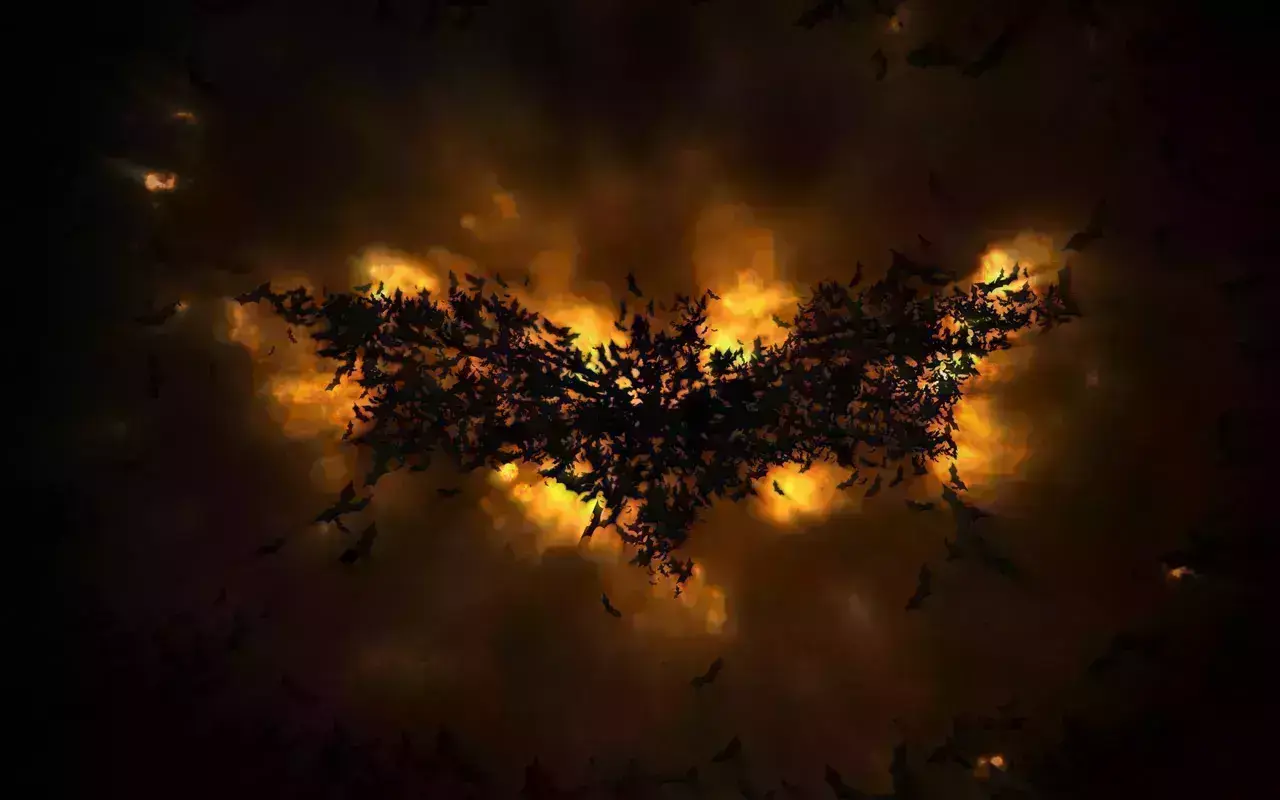
The year's most anticipated movie for me with no doubt is The Dark Knight Rises. I had high hopes for Prometheus, but in the end, it was underwhelming.
5090
Playing with 3D in Photoshop CS6
tutorial
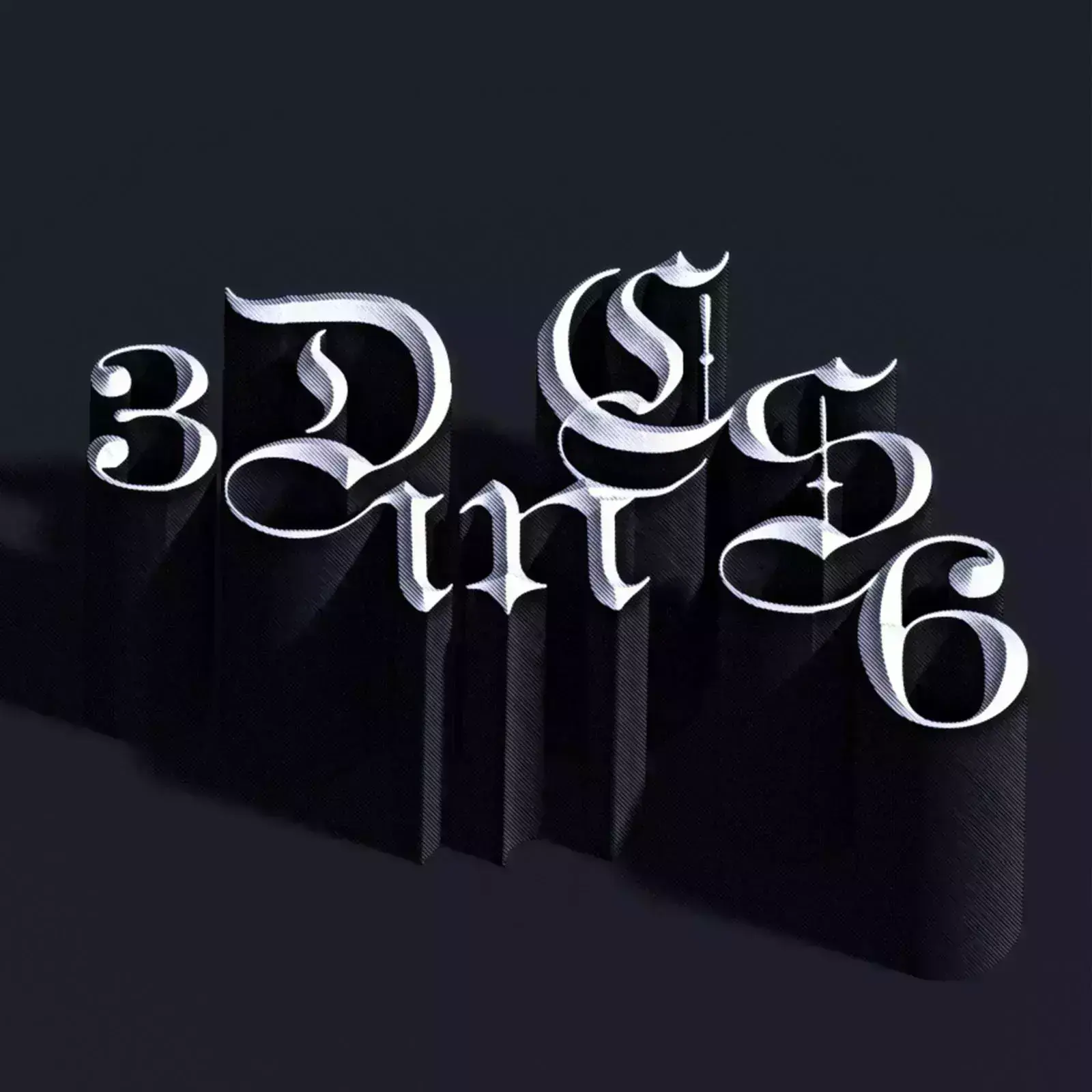
Photoshop CS6 has updated its 3D tool adding more features and making it easier to use and faster.
5093
Super Easy Furry Text in Pixelmator
Typography
We love playing with typography, it's simple and always effective not only in terms of outcomes but the amount we can learn by experimenting with text effects.
5094
Playing with Timeline in Photoshop CS6
tutorial
Photoshop CS6 has some great features, one of them is the new timeline for basic animations and this time Photoshop gets a little bit of the After Effects taste.
5098
Hipster Text Effect in Photoshop CS6
vintage
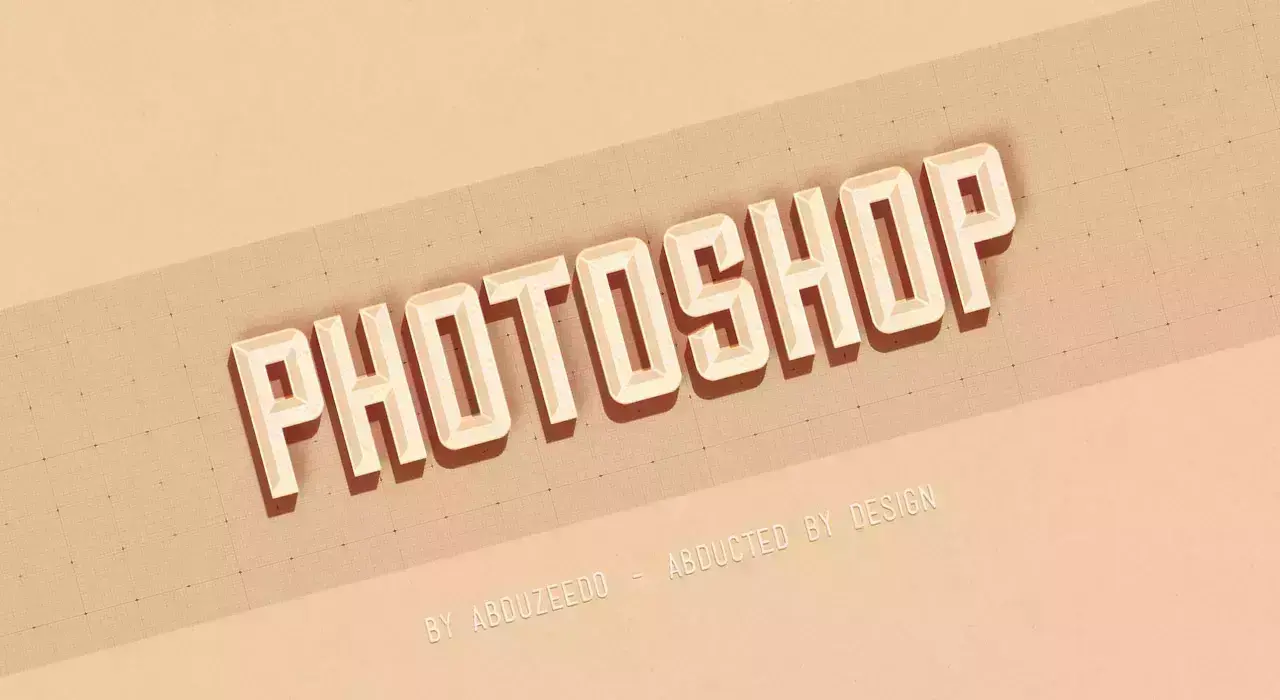
A few weeks ago we posted a tutorial showing how to create a hipster text effect using Pixelmator. Now we decided to show you the same effect using Photoshop CS6.